
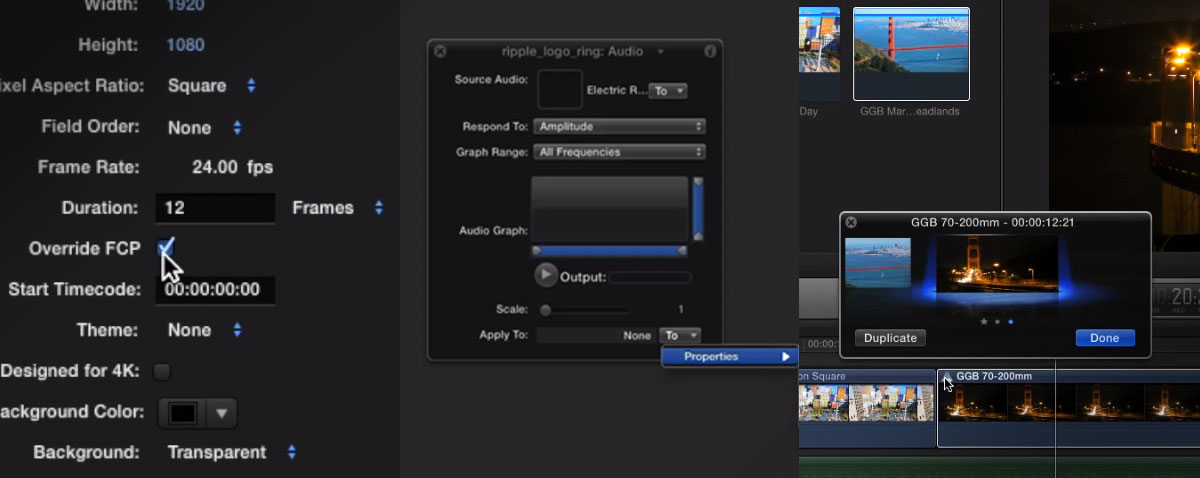
How to have a range of custom timed cross dissolve in Final Cut Pro X, making auditions the same length and animating a logo in Motion to music. Yes, time for the Ripple trifecta of tutorials.


How to have a range of custom timed cross dissolve in Final Cut Pro X, making auditions the same length and animating a logo in Motion to music. Yes, time for the Ripple trifecta of tutorials.
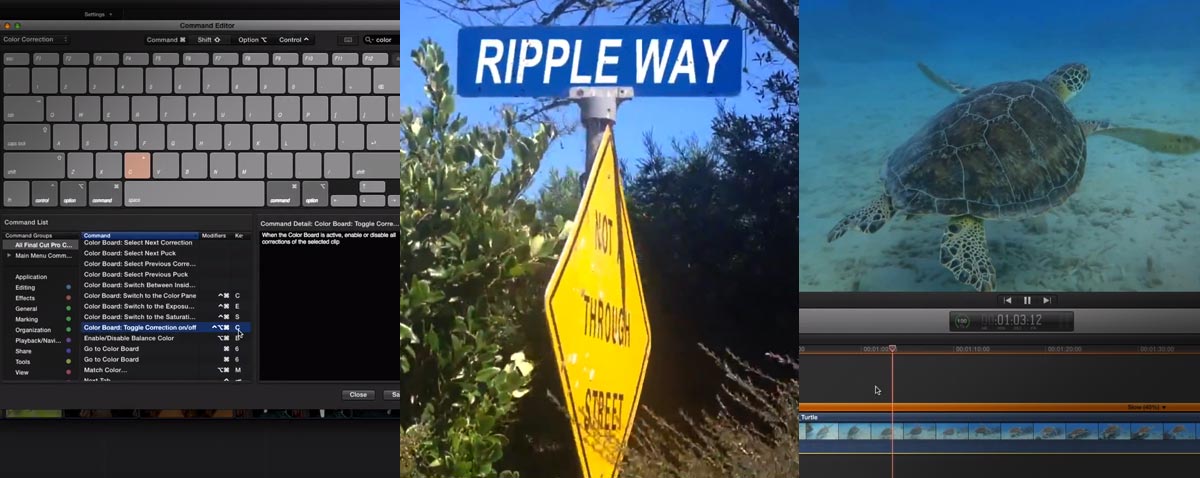
This week's Ripple trio of tutorials (or should that be triple Ripple!) will show you a very handy assignable shortcut, how to replace a sign in Motion and the trick to getting silky smooth slow motion in FCPX.
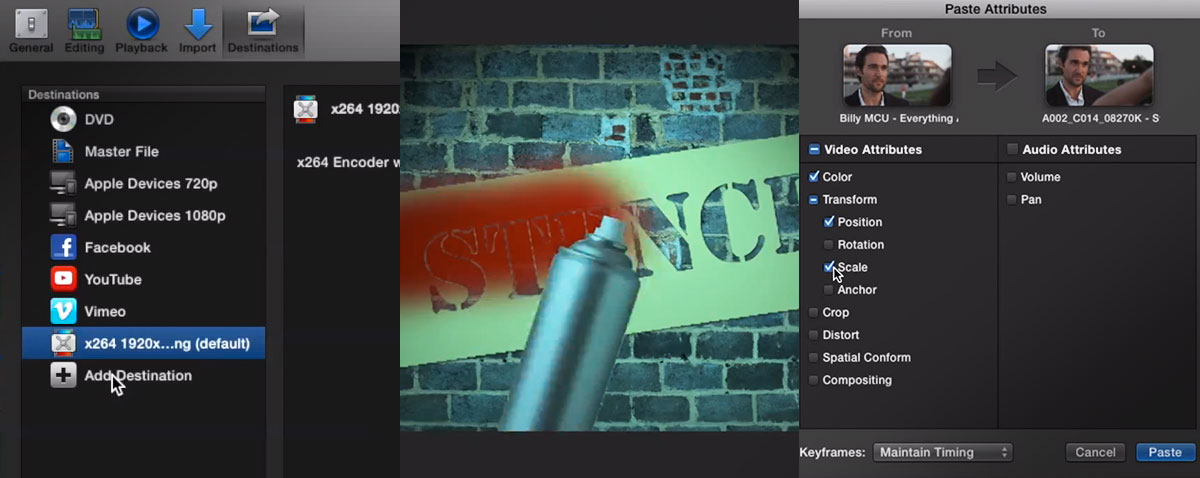
FCPX has been criticised for not having a batch export, good job we have top people on the case to make getting a bunch of sequences out of Final Cut Pro X happen fast!
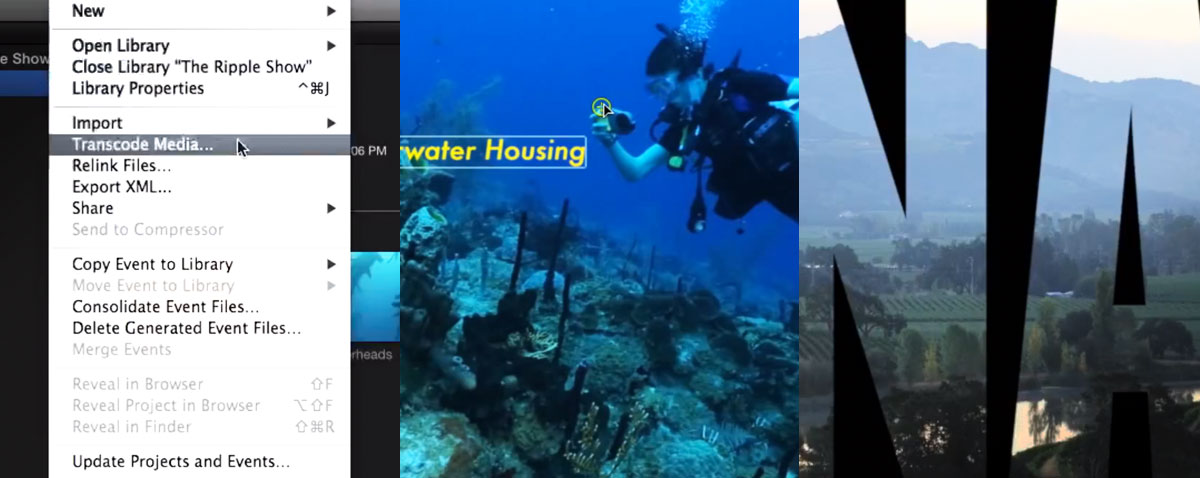
Time to catch up with this week's set of Ripple tutorials. An extra lesson on media managing, text in video and how to track a person in Motion.
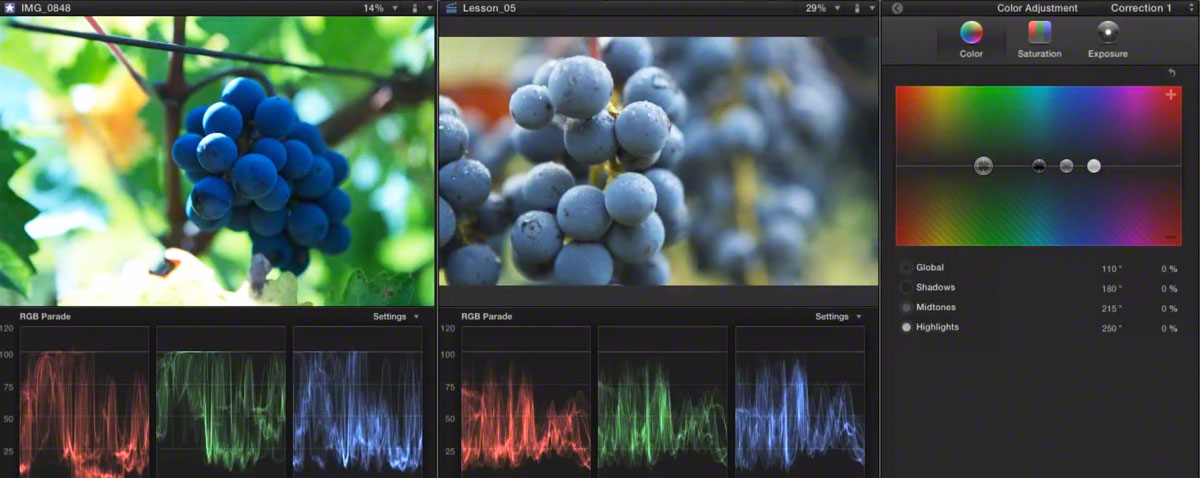
With the risk of this week's posts becoming slightly 'Rippletastic' we can announce that they have just released a new set of colour correcting tutorials. Thers's a money off coupon until Friday too.
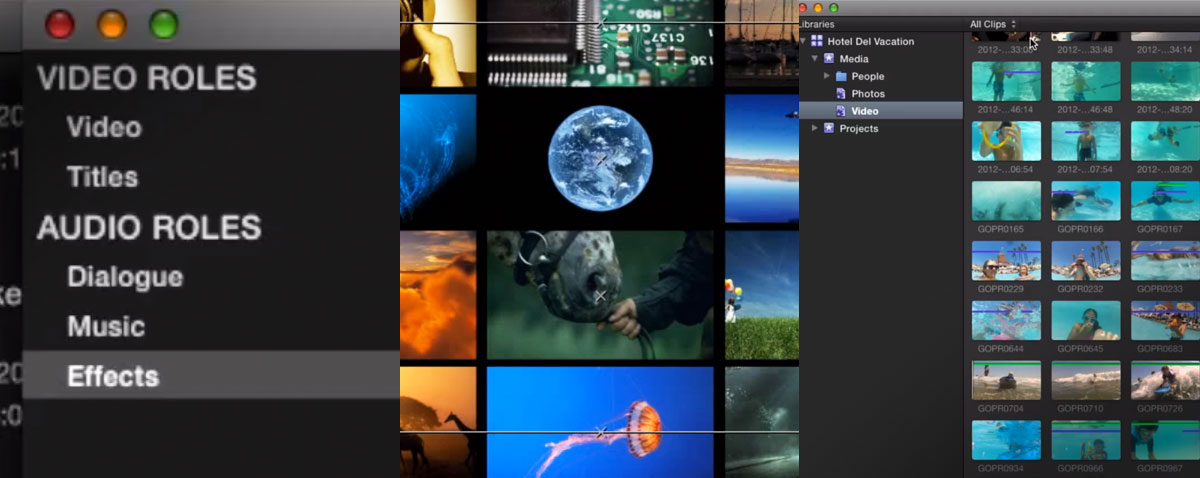
We got a bit busy over the last couple of days with the publication of our Tour de France article, so time to catch up with Ripple's three weekly tutorial videos.

The majority of training for FCPX is in English, so when good quality instructional video or publications come along we like to feature them. This time it's a VOD course in German from Robin S Kurz. We also have a discount code available for the first 15 takers.
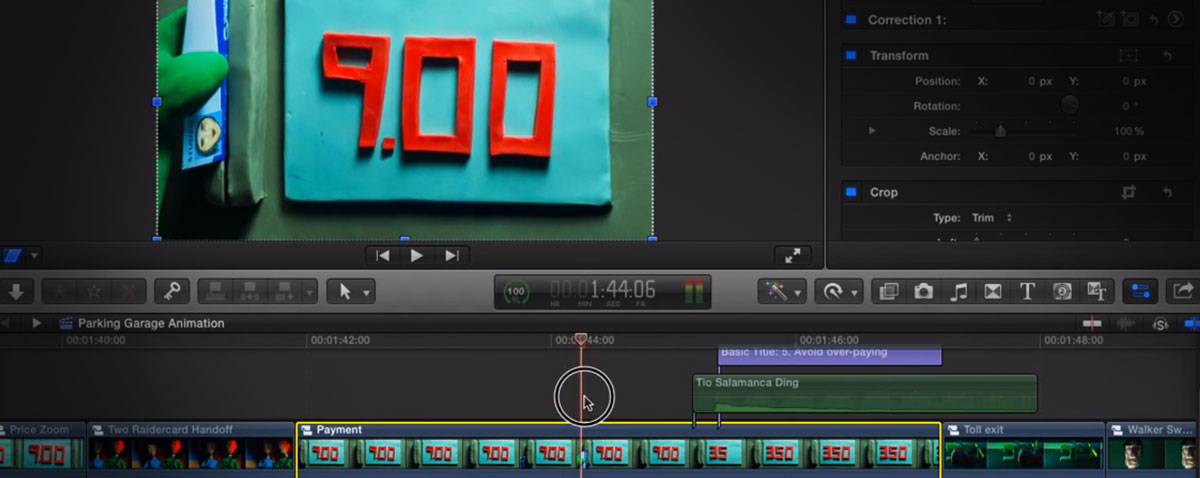
People use FCPX in many different ways. One of the uses we didn't expect it would shine at is stop motion animation editing.
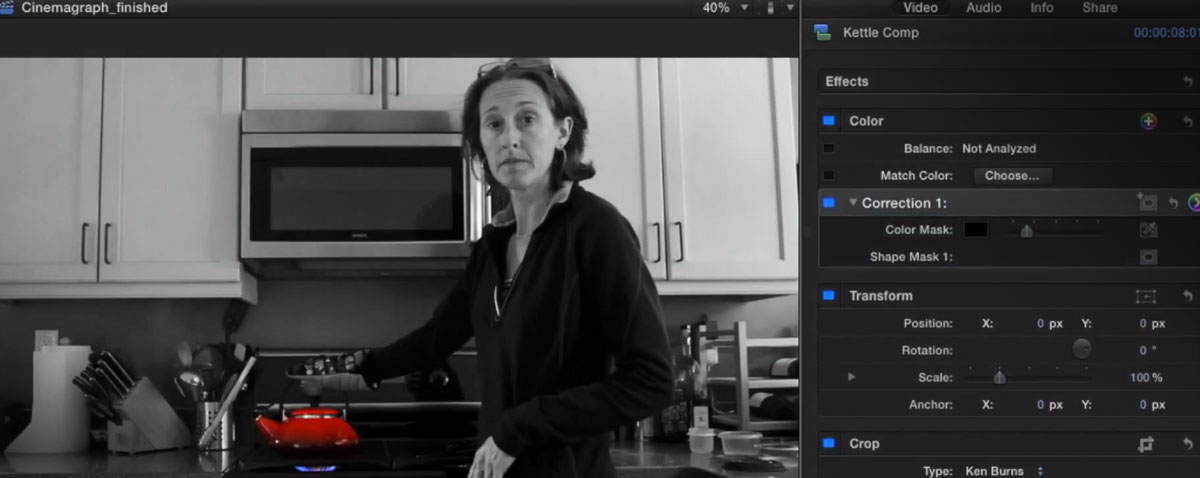
What on earth is a cinemagraph and how do you make one? This new episode of MacBreak Studio explains all.
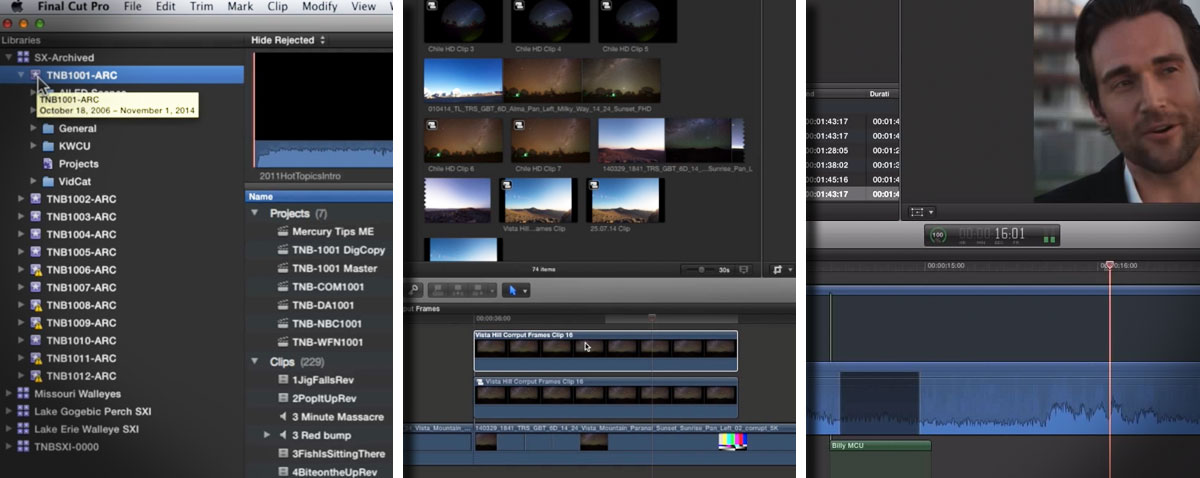
Is it our misguided impression, or are there more cracking tutorials out there for Final Cut Pro X than any other NLE? True or not, we thought we would list some good ones from the last few days.
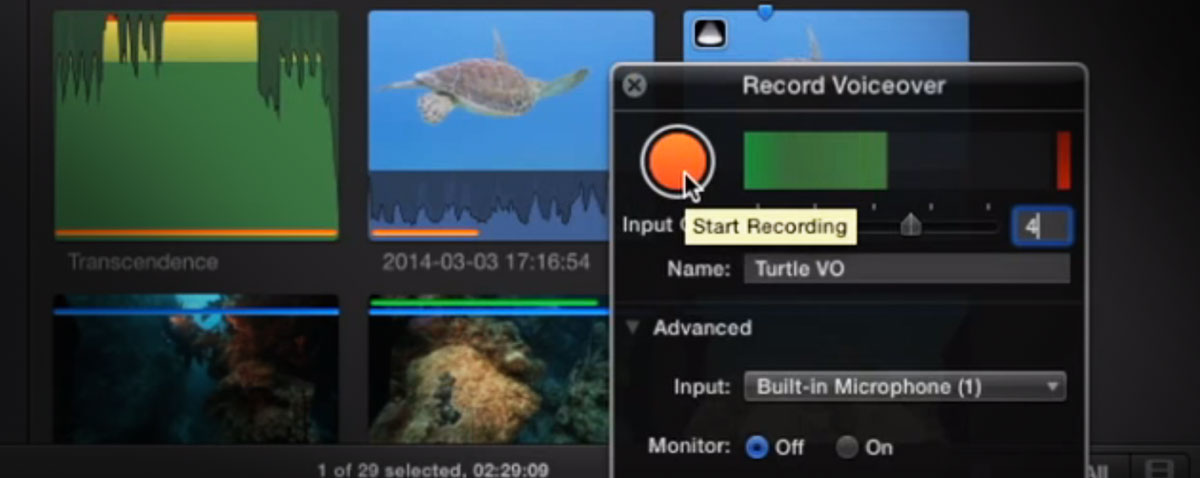
Recording a voice into Final Cut Pro X got easier with the update to 10.1.2. The rehomed Macbreak Studio guys take a look at what's new and we also include Steve Martin's new 5 minute FCPX tutorial on music editing.
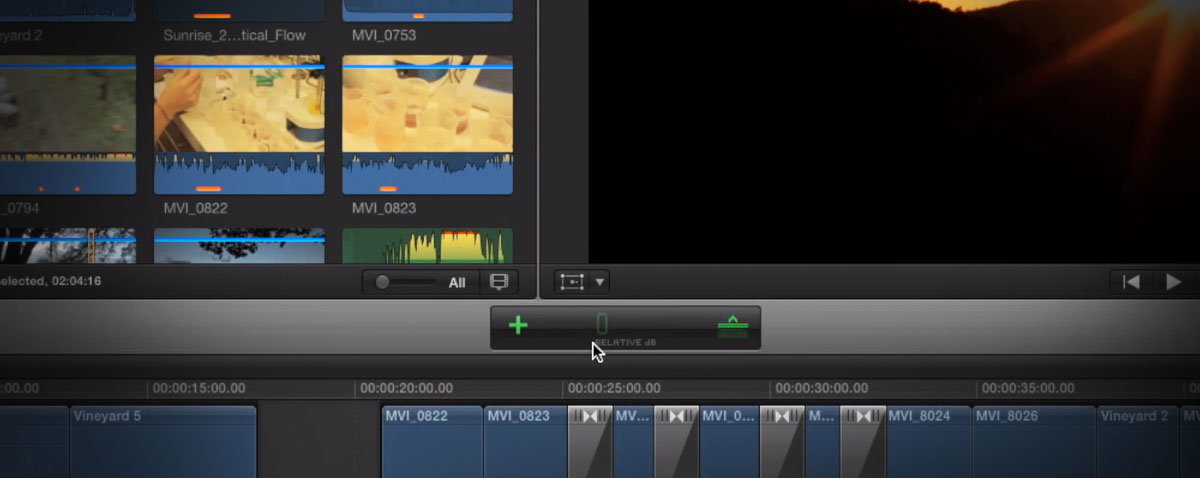
We return to tutorials with Mark and Steve this time in this new episode of MacBreak Studio. We welcome back being able to bump all audio levels up and down without having to move keyframes individually.
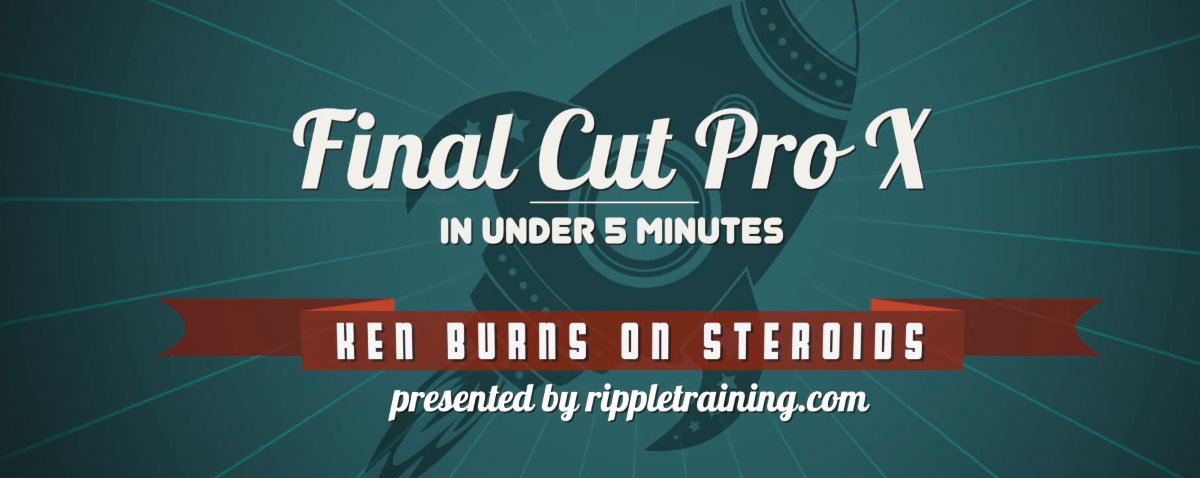
As an addition to their weekly MacBreak Studio, Steve Martin has kicked off a new series of free Final Cut Pro X tutorials. The first episode is all about the Ken Burns effect.
Page 16 of 36
© fcp.co 2010-2026
