


- Posts: 39
- Thank you received: 18
3 Post Moderation Rule for New Boarders (25 Jan 2021)
New boarders will have their posts moderated - Don't worry if you cannot see your post immediately.
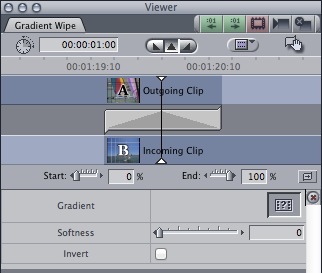
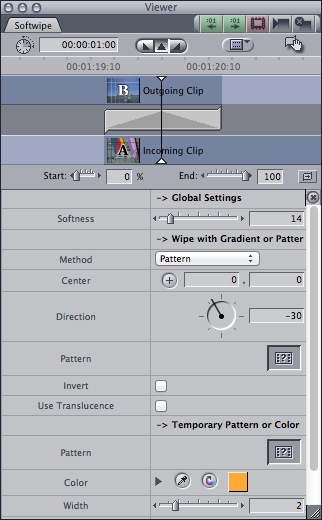
Gradient Wipe - Softwipe
28 Aug 2014 23:23 #51915
by Henry62
Gradient Wipe - Softwipe was created by Henry62
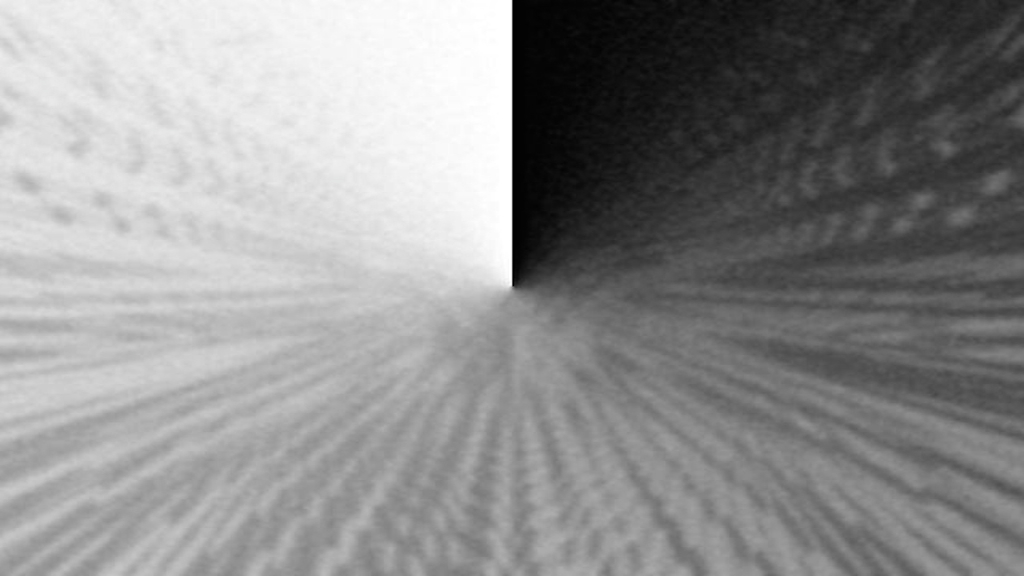
Hi all, you can replicate this type of transition with Motion 5?
Thanks to all ...
Thanks to all ...
Please Log in to join the conversation.

29 Aug 2014 14:01 #51939
by BenB
Replied by BenB on topic Gradient Wipe - Softwipe
Yes.
Please Log in to join the conversation.
29 Aug 2014 14:02 #51940
by BenB
Replied by BenB on topic Gradient Wipe - Softwipe
But seriously, do you have a clip showing what the result it that you're looking for, specifically? Are you simply looking for a gradient wipe that you can use custom grayscale graphics in?
Please Log in to join the conversation.
29 Aug 2014 16:13 #51945
by Henry62
Replied by Henry62 on topic Gradient Wipe - Softwipe
Are in search of a transition for FCPX
who can use a gradient as Gradient Wipe or Softwipe of FCP7.
I have many gradient and li i would like to use.
Thanks
who can use a gradient as Gradient Wipe or Softwipe of FCP7.
I have many gradient and li i would like to use.
Thanks
Please Log in to join the conversation.


30 Aug 2014 00:34 #51955
by alex4D
Replied by alex4D on topic Gradient Wipe - Softwipe
1. Gradient Image is the the Wipes transition section.
2. In Motion, put your gradient image into its own group. Use that group as an Image Mask to Transition A. To animate the gradient, Apply Color Correction: Levels filter to the group. Animate Black In and White In from 0 to 1 over the length of the transition (best to use Ramp behaviors so you can rig them later to allow for some smoothness - the ability to make the gradient edge smoother).
i.e. If you aren't confident in Motion yet, use Final Cut Pro's built-in transition.
@Alex4D
2. In Motion, put your gradient image into its own group. Use that group as an Image Mask to Transition A. To animate the gradient, Apply Color Correction: Levels filter to the group. Animate Black In and White In from 0 to 1 over the length of the transition (best to use Ramp behaviors so you can rig them later to allow for some smoothness - the ability to make the gradient edge smoother).
i.e. If you aren't confident in Motion yet, use Final Cut Pro's built-in transition.
@Alex4D
Please Log in to join the conversation.
30 Aug 2014 11:36 #51972
by Henry62
Replied by Henry62 on topic Gradient Wipe - Softwipe
Mythical Alex ... a huge thanks ...
the wipe "Gradient Image" i had escaped ...
however, I will do tests with Motion.
Thank you again
the wipe "Gradient Image" i had escaped ...
however, I will do tests with Motion.
Thank you again
Please Log in to join the conversation.
