




- Posts: 9
- Thank you received: 0
3 Post Moderation Rule for New Boarders (25 Jan 2021)
New boarders will have their posts moderated - Don't worry if you cannot see your post immediately.
Need a complete/detailed tutorial on KEYING
13 Jan 2022 17:48 #118430
by beatman
Need a complete/detailed tutorial on KEYING was created by beatman
Hello there,
Does anybody know any good tutorial about Keying with FCPX?
All I found on Youtube couldn't help me at all.
Thanks!
Does anybody know any good tutorial about Keying with FCPX?
All I found on Youtube couldn't help me at all.
Thanks!
Please Log in to join the conversation.
13 Jan 2022 18:05 #118431
by beatman
Replied by beatman on topic Need a complete/detailed tutorial on KEYING
Edit: I did found some good tutorials, but I'm actually struggling to get rid of the green light 'strokes/edges' on the talent. I've tweaked in lots of ways all resources available - and I couldn't - so far - get a nice result. I mean, I can get rid of the strokes on the character (talent), but it always has 'collateral effects' - it messes up the hair, etc.
Please Log in to join the conversation.


13 Jan 2022 20:57 #118438
by JoeEditor
Replied by JoeEditor on topic Need a complete/detailed tutorial on KEYING
What you're trying to do is done during the shoot. Back light the talent, make sure they're far enough away from the green screen to not get the green light reflecting in their halo. Yes, if you get too much green light on the talent, it can be very difficult, if not impossible to correct.
Please Log in to join the conversation.
13 Jan 2022 23:57 #118440
by beatman
Replied by beatman on topic Need a complete/detailed tutorial on KEYING
Hi, Ben.
I've just got the footage from a client, it wasn't recorded by me.
I actually can manage to 'disguise' these edges on the talent, with graphic elements/lights/gradients and so on (I'm not trying to fake real scenarios, it is admittedly virtual, which helps on this case).
Even though, I'm missing a better tutorial with real examples with bad green screen shooting. Perhaps a FCXP course..i don't know.
I've just got the footage from a client, it wasn't recorded by me.
I actually can manage to 'disguise' these edges on the talent, with graphic elements/lights/gradients and so on (I'm not trying to fake real scenarios, it is admittedly virtual, which helps on this case).
Even though, I'm missing a better tutorial with real examples with bad green screen shooting. Perhaps a FCXP course..i don't know.
Please Log in to join the conversation.
14 Jan 2022 13:51 #118445
by JoeEditor
Replied by JoeEditor on topic Need a complete/detailed tutorial on KEYING
support.apple.com/guide/final-cut-pro/us...03bc/10.6/mac/11.5.1
Look through the Advance Key Tools section of that page.
Spill and Light Wrap are the tools you need.
Ripple has this tutorial, also.
www.rippletraining.com/blog/final-cut-pr...-in-final-cut-pro-x/
Look through the Advance Key Tools section of that page.
Spill and Light Wrap are the tools you need.
Ripple has this tutorial, also.
www.rippletraining.com/blog/final-cut-pr...-in-final-cut-pro-x/
Please Log in to join the conversation.
15 Jan 2022 18:21 #118475
by beatman
Replied by beatman on topic Need a complete/detailed tutorial on KEYING
Hi, Ben.
I've watched the tutorial you sent, pretty cool, it helped a lot.
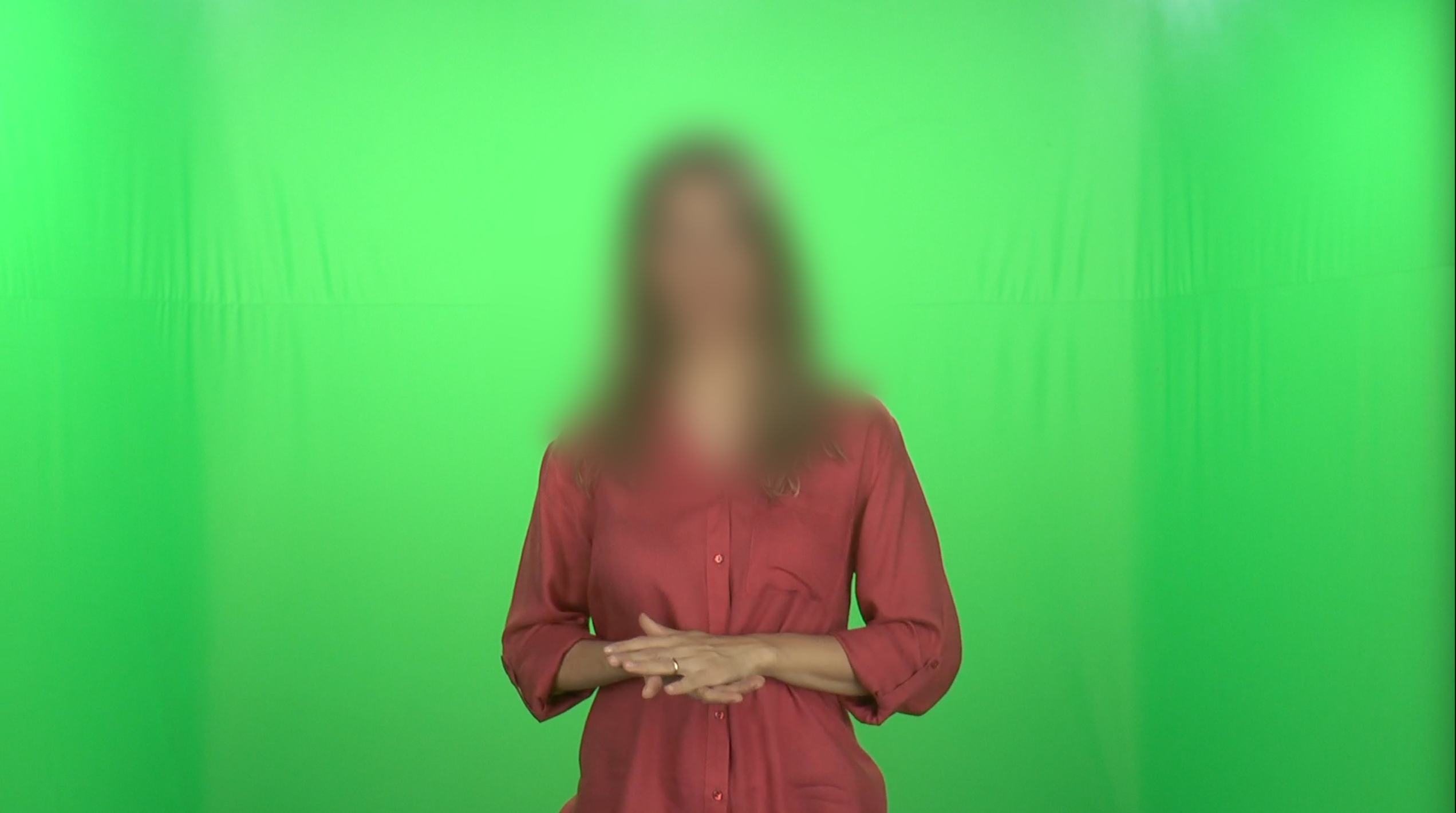
I'd like your opinion on the footage I'm talking about. It is attached here.
What would you say to the person that recorded it? What guidelines would apply here?
Thanks!
I've watched the tutorial you sent, pretty cool, it helped a lot.
I'd like your opinion on the footage I'm talking about. It is attached here.
What would you say to the person that recorded it? What guidelines would apply here?
Thanks!
Please Log in to join the conversation.
16 Jan 2022 00:06 #118478
by JoeEditor
Replied by JoeEditor on topic Need a complete/detailed tutorial on KEYING
I'm not sure just looking at one show with the hair blurred out. If you want to share the clip with me, I can see what I can do. benb at bbalser dot com
Please Log in to join the conversation.
