




- Posts: 18
- Thank you received: 0
3 Post Moderation Rule for New Boarders (25 Jan 2021)
New boarders will have their posts moderated - Don't worry if you cannot see your post immediately.
Importing Media Newbie Question
18 Mar 2022 23:03 #119546
by scoostraw
Importing Media Newbie Question was created by scoostraw
I am brand new to FCP, so please be gentle. 
The .mov file I want to import - if I drag it from Finder it won't let me (it bounces back to Finder). If I do File > Import > Media, it allows me to select it and import it, but every frame is black.
I am able to open and play this file using Quicktime and VLC.
Thank you for any help...
The .mov file I want to import - if I drag it from Finder it won't let me (it bounces back to Finder). If I do File > Import > Media, it allows me to select it and import it, but every frame is black.
I am able to open and play this file using Quicktime and VLC.
Thank you for any help...
Please Log in to join the conversation.


18 Mar 2022 23:40 #119548
by VTC
Replied by VTC on topic Importing Media Newbie Question
Tried changing the extension? Compressor doesn't like the mp4 out of my Sony mirrorless unless I change it to m4v then it's all happy and glad as if it's on its' honeymoon.
Please Log in to join the conversation.
18 Mar 2022 23:46 #119549
by scoostraw
Replied by scoostraw on topic Importing Media Newbie Question
Thanks VTC.
I did not change the extension. It is a .mov file.
I did not change the extension. It is a .mov file.
Please Log in to join the conversation.
19 Mar 2022 00:30 #119550
by scoostraw
Replied by scoostraw on topic Importing Media Newbie Question
Well.. I did something I rarely do - I shut down my mac and brought it back up.
And now all is well.. {shrug}
And now all is well.. {shrug}
Please Log in to join the conversation.
20 Mar 2022 19:59 - 21 Mar 2022 15:36 #119566
by VTC
What I meant by that was sometimes changing the file extension to something else often helps with import or recognizing problems. I know it does at times using Compressor. (That suggestion may help others experiencing similar problems.)
And as for that 'shutdown' trick... Yes, that often solves all sorts of quirkiness and I don't comprehend why some fail to try it. Don't be lazy only doing restart which allows oddities to be held in memory only to be recycled again. My experience is a complete shutdown cycle will ensure all badness gets flushed from being held in memory and life begins anew.
- - - - EDIT - - - -
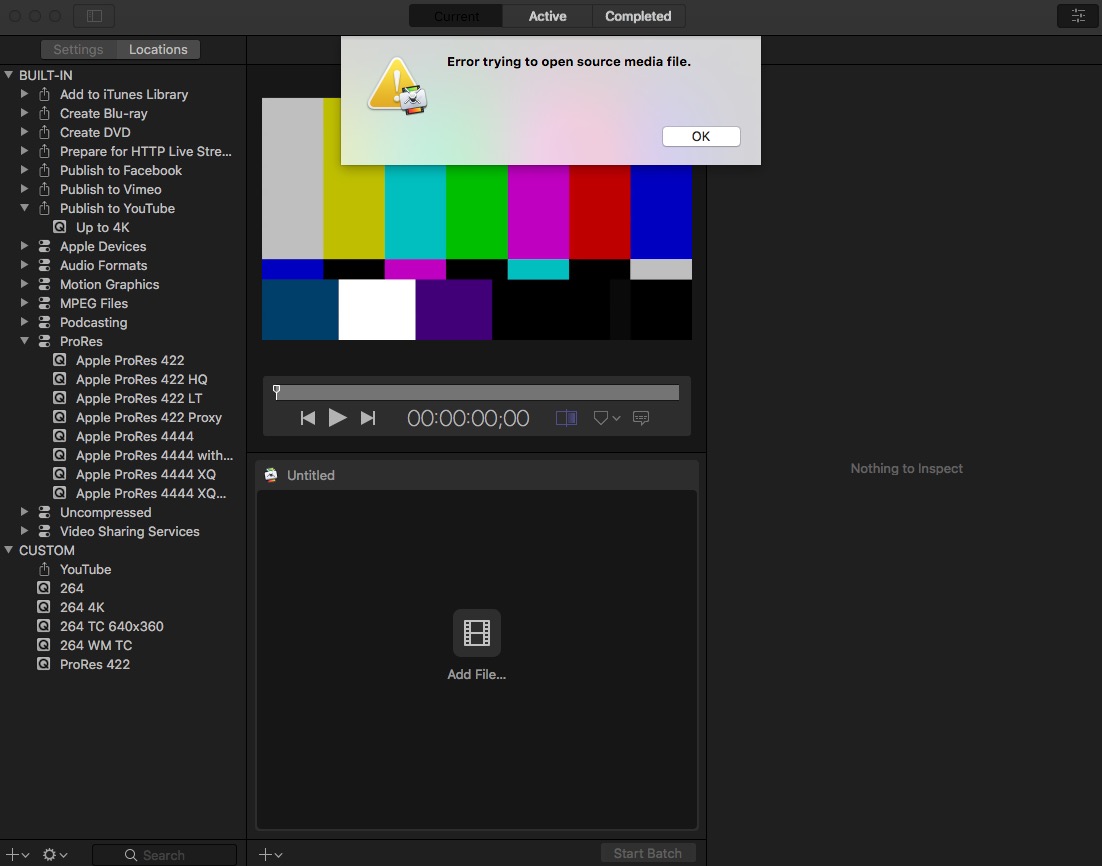
EXAMPLE: Quicktime Player 7 or Compressor doesn't recognize Sony 4K mp4 file...

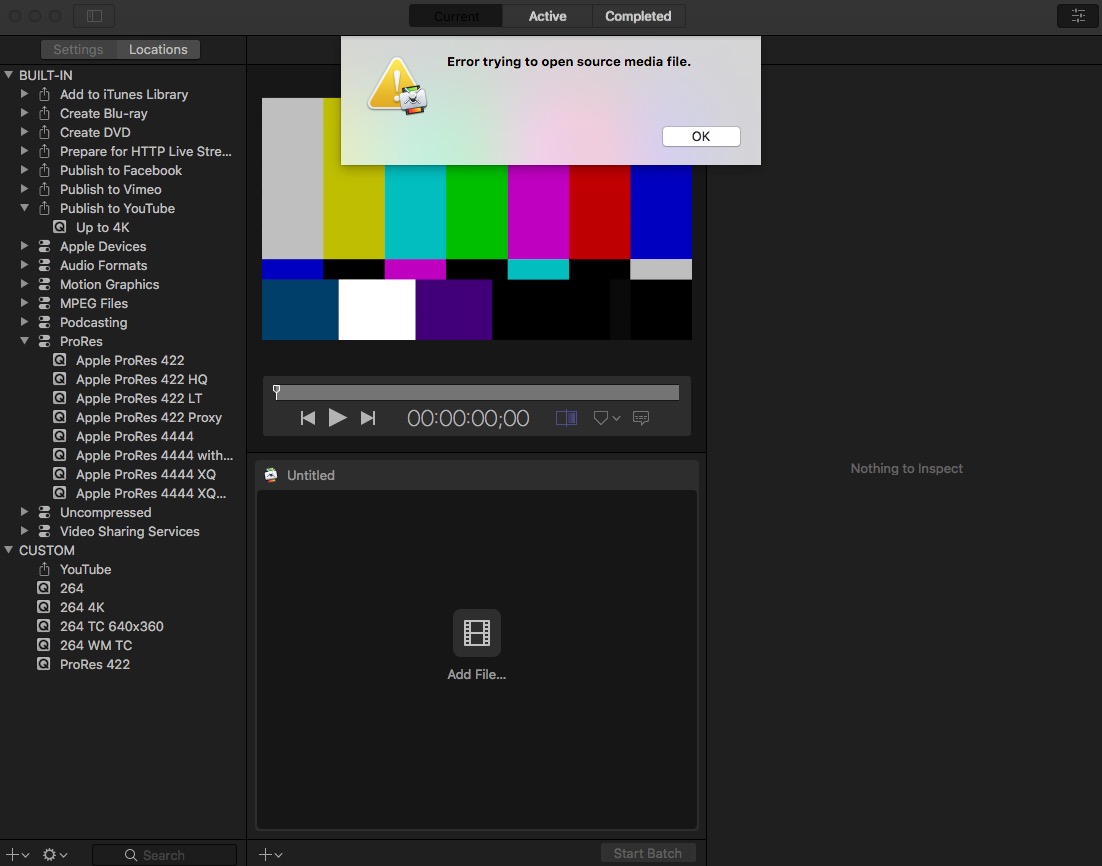
Change extension to M4V then... Waaa Laaa! Success everywhere!
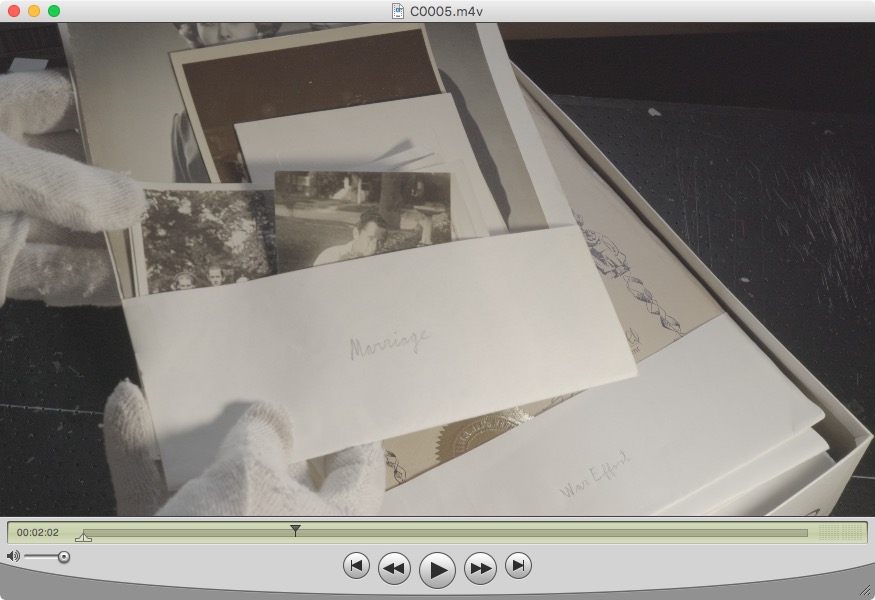
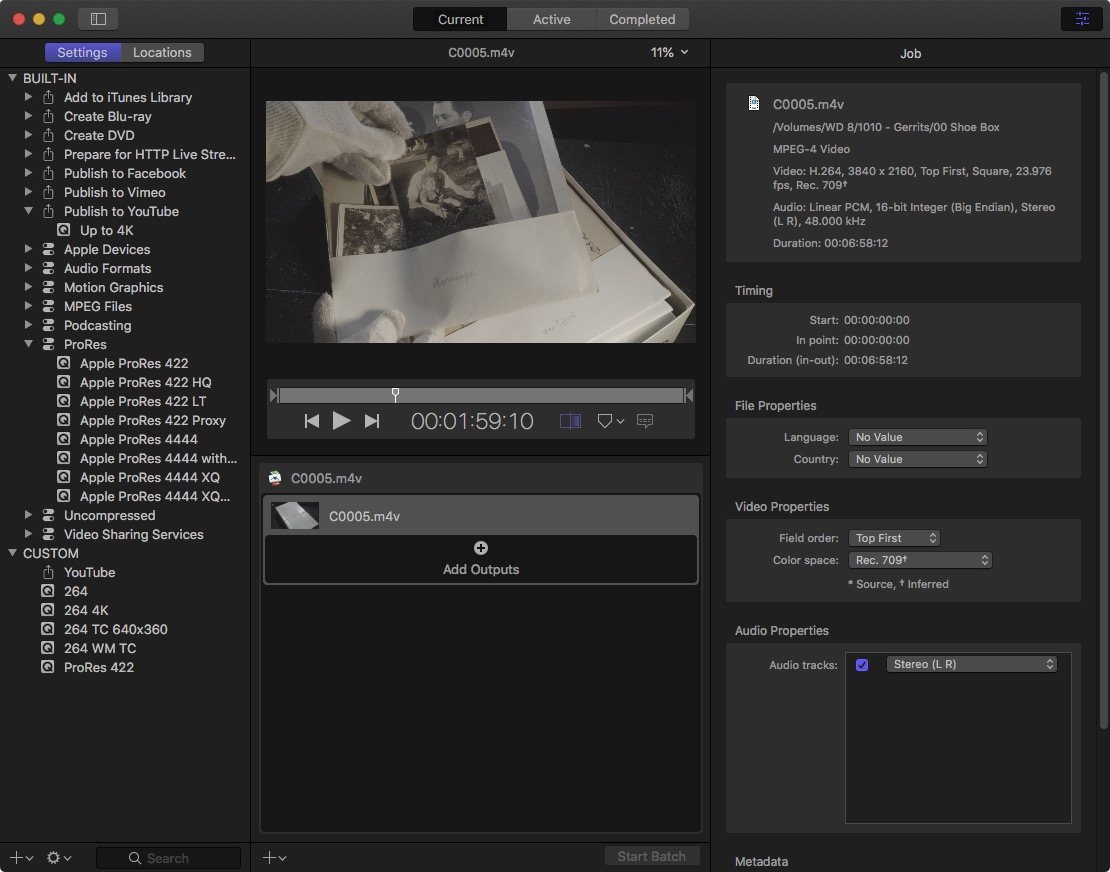
Replied by VTC on topic Importing Media Newbie Question
I did not change the extension. It is a .mov file.
What I meant by that was sometimes changing the file extension to something else often helps with import or recognizing problems. I know it does at times using Compressor. (That suggestion may help others experiencing similar problems.)
And as for that 'shutdown' trick... Yes, that often solves all sorts of quirkiness and I don't comprehend why some fail to try it. Don't be lazy only doing restart which allows oddities to be held in memory only to be recycled again. My experience is a complete shutdown cycle will ensure all badness gets flushed from being held in memory and life begins anew.
- - - - EDIT - - - -
EXAMPLE: Quicktime Player 7 or Compressor doesn't recognize Sony 4K mp4 file...
Change extension to M4V then... Waaa Laaa! Success everywhere!
Last edit: 21 Mar 2022 15:36 by VTC.
Please Log in to join the conversation.
